Global hotkey dictation
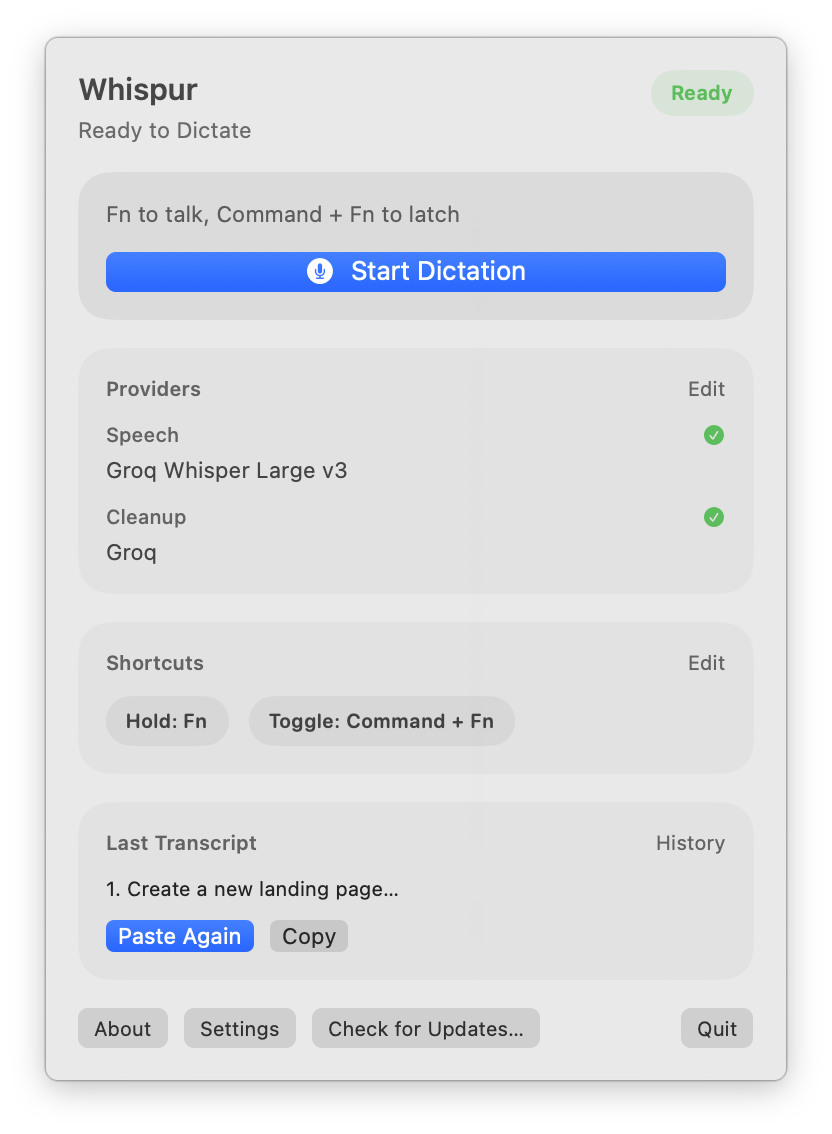
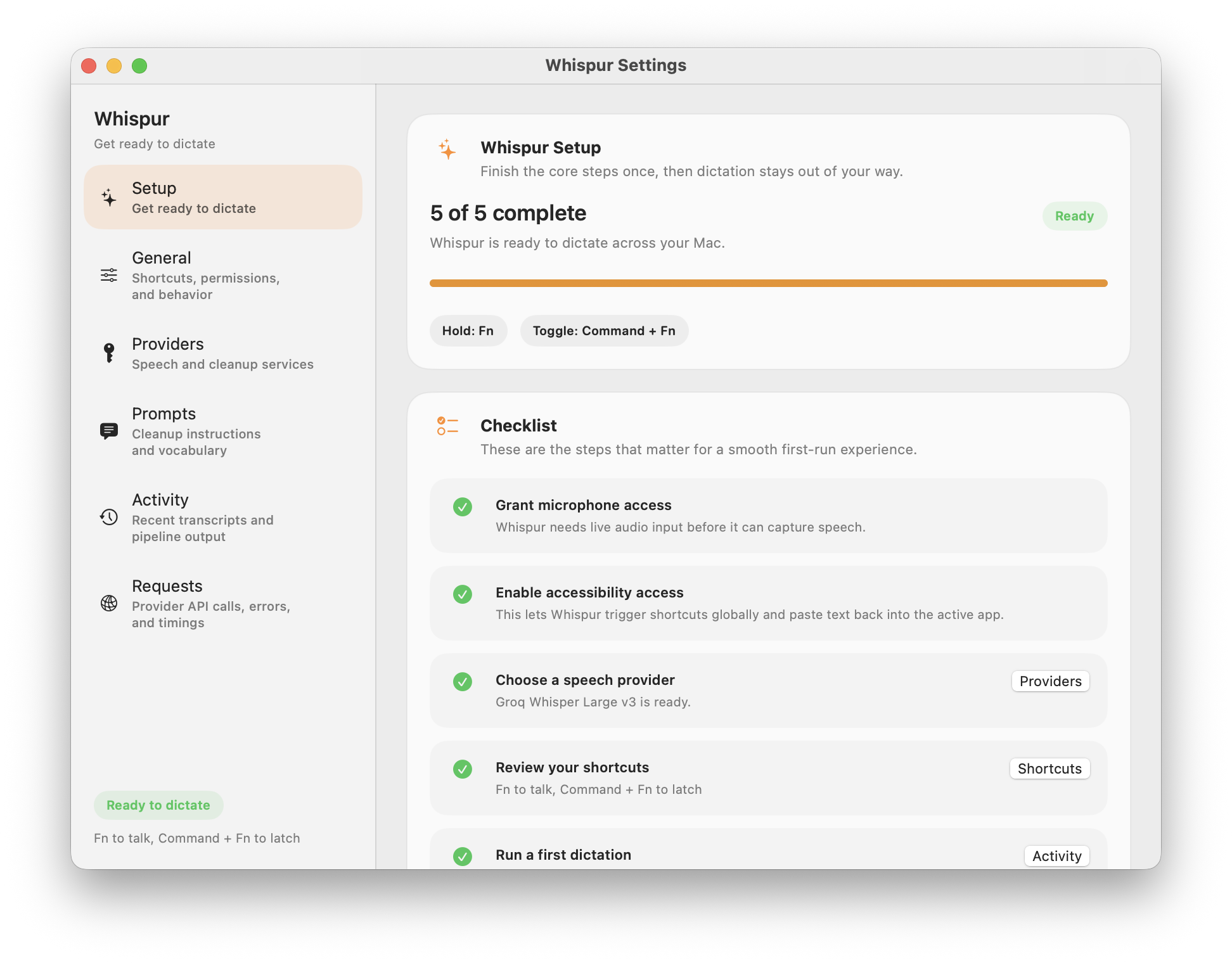
Bind a hold-to-talk or toggle shortcut. Press Fn, speak, let go — transcribed text lands wherever your cursor is.
 Whispur
Hold a shortcut, speak, let go. Whispur transcribes and pastes into any app — with your choice of speech engine and optional AI cleanup. Open source. Bring your own keys.
Free · MIT · macOS 14+ · Apple Silicon & Intel
Bind a hold-to-talk or toggle shortcut. Press Fn, speak, let go — transcribed text lands wherever your cursor is.
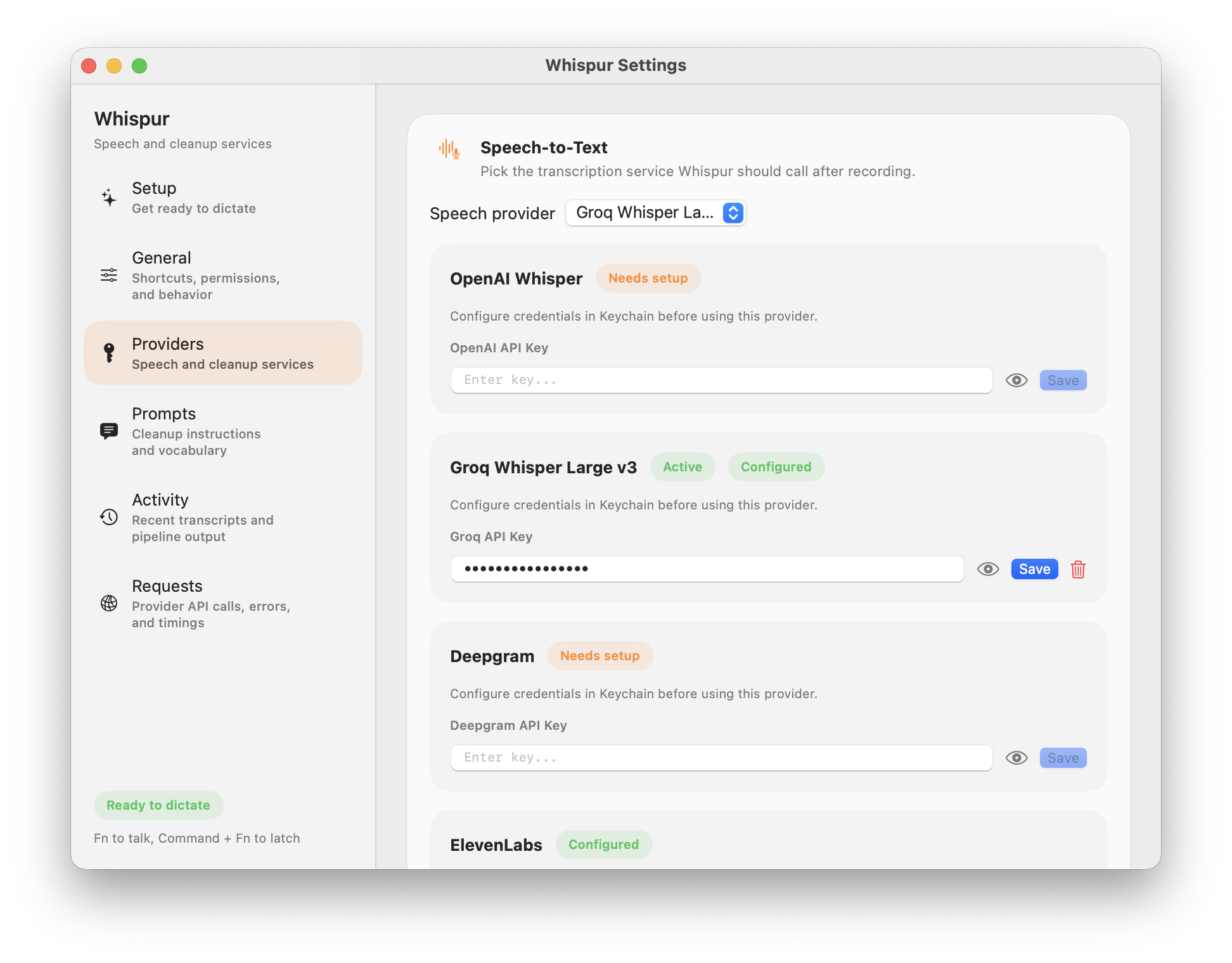
Apple on-device, OpenAI Whisper, Deepgram Nova, ElevenLabs Scribe. Swap providers per workflow.
Route the transcript through OpenAI, Anthropic, or Groq with your own prompt. Fix punctuation, tone, or format on the fly.
No subscription, no middleman. Your API keys live in Keychain. Apple STT works free, on-device, out of the box.
Audio stays local by default. Network calls only happen when you pick a cloud provider — and you can see every request.
Runs quietly in the menu bar. Signed, notarized, and auto-updates via Sparkle — no install friction.
Pick the engine that fits your workflow — on-device for privacy, cloud for accuracy. Keys are stored in macOS Keychain, never sent anywhere but to the provider you picked.
Signed and notarized by Apple. Double-click to open — no right-click workaround needed.
Launch Whispur. A small icon appears in your menu bar — that's home.
Microphone for capture, Accessibility for the global shortcut and paste-back. Then hold your hotkey and talk.
Yes. The app is MIT-licensed and free forever. Apple speech-to-text works on-device with no account. Cloud providers bill you directly for their own usage — we never touch your keys or your audio.
No. Whispur has no backend. Audio is processed locally or sent directly to whichever provider you configure. Everything stays between your Mac and that provider.
macOS 14 (Sonoma) or later, Apple Silicon or Intel.
Yep. Both the hold-to-talk and toggle shortcuts are rebindable in Settings. Defaults use Fn since it's rarely bound elsewhere.
After transcription, Whispur can optionally run the text through an LLM with a prompt preset (fix punctuation, format as email, summarize, etc.) before pasting. Optional per preset.
On GitHub. Issues and PRs welcome.
Download Whispur, grant two permissions, and dictate into anything in the next 60 seconds.
Download for macOS